Care becomes a chat moment.
Viewers can feed, play, clean, and help your pet rest with simple !pet commands. Their care shows up in little reactions and speech bubbles.
!pet feed!pet play!pet cleanLittle pixels. Shared moments.
Give your chat someone tiny to look after. Chirblins is a virtual pet game that brings Twitch communities together, one snack, nap, and happy little moment at a time.
For Windows PC Coming soon to Microsoft Store
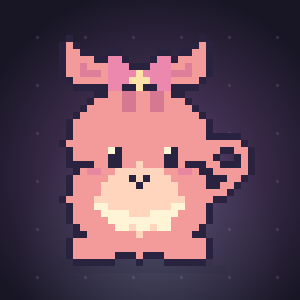
More than a cute face
A shared companion gives your community a little story to be part of. Watch them hatch, help them grow, and make their corner of the stream feel like home.
Viewers can feed, play, clean, and help your pet rest with simple !pet commands. Their care shows up in little reactions and speech bubbles.
!pet feed!pet play!pet cleanFrom egg to baby, teen, and adult, your Chirblin grows with care. Food, joy, energy, cleanliness, and health all matter. Keep those little needs in balance.
Add a transparent Browser Source in OBS. Choose a full overlay or a bigger pet with Minimal UI, keeping their speech and an optional compact needs bar.
The little residents
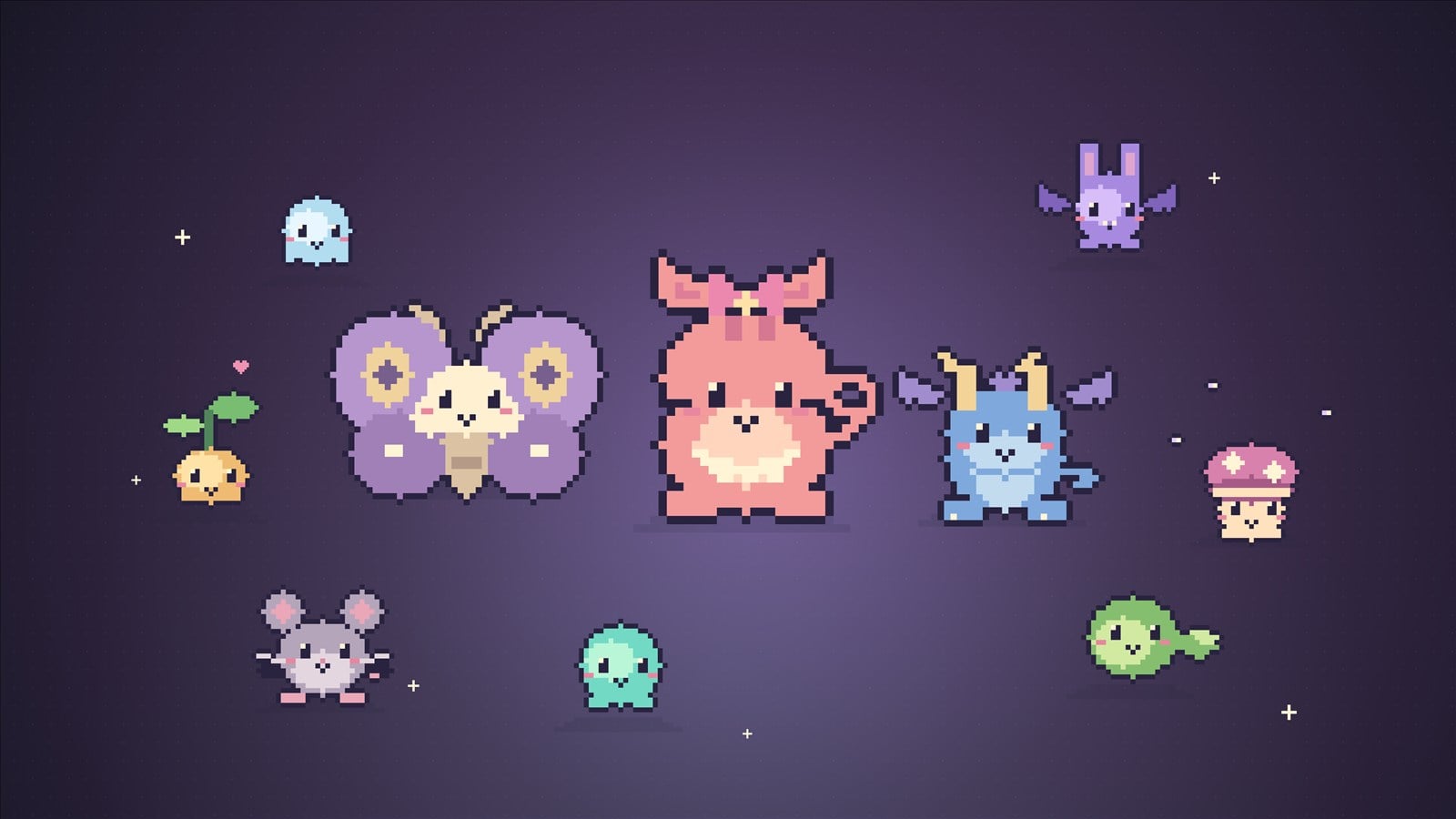
Every new egg brings a surprise species. Explore their artwork below, then find out who joins your community in the game.
A little mischief. A lot of charm.
Your stream, your style
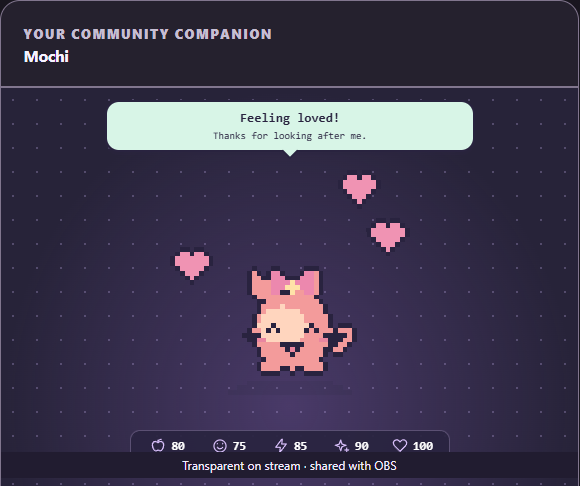
Minimal UI puts your pet front and center. Speech bubbles keep their personality visible; choose whether to show the needs bar.
In-game pet preview · cropped capture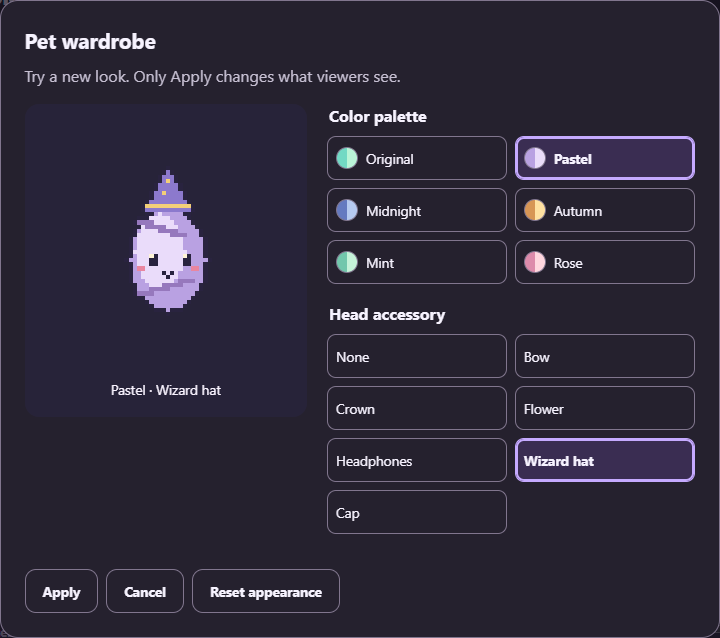
Preview a color palette and accessory before applying the look. From a tiny bow to a wizard hat, the finishing touch is yours.
In-game wardrobe · cropped captureFrom your desktop to your community
Open Chirblins on your Windows PC and connect your channel using Twitch’s official authorization page. Your Twitch password stays with Twitch.
Copy the overlay URL from Chirblins and add it as a Browser Source in OBS. Position your companion in your scene and choose the layout that fits.
Introduce the !pet commands, keep Chirblins open during your stream, and watch your community care for their little companion.
Chirblins runs in its own Windows desktop window. Twitch integration needs an internet connection; OBS is used to put the pet on your broadcast.
A few good questions
Viewers use fixed !pet commands to feed, play, clean, help the pet sleep or wake, and check its status. Chirblins turns care into visible reactions while tracking the pet’s needs.
Yes. Pets hatch from an egg and develop through baby, teen, and adult stages. Growth follows active care time. Needs can decline, so regular care matters; neglect can lead to sickness and eventually a memorial followed by a new egg.
Minimal UI is on by default for new pets. It shows a larger pet, speech bubbles, and a compact needs bar. You can hide the bar or switch to the full layout in the app.
Use Save & Close in the Chirblins window to save your pet and stop the app. Pet progress and settings are stored on your computer. The privacy notice explains the data kept by the game.
A 64-bit Windows PC with .NET Framework 4.8, Windows PowerShell 5.1, and Microsoft Edge WebView2 Runtime. Connect your Twitch channel for chat care and use OBS for the stream overlay. The interface supports English and Spanish, visual themes, larger text, and reduced motion.
A little help, whenever you need it
Questions, issues, or ideas for Chirblins? We’d love to hear from you.
support@chirblins.comOpen Connection troubleshooting in the app and choose Download error log. Review the report, then attach it to your email with a description of what happened.
How support logs are handled